
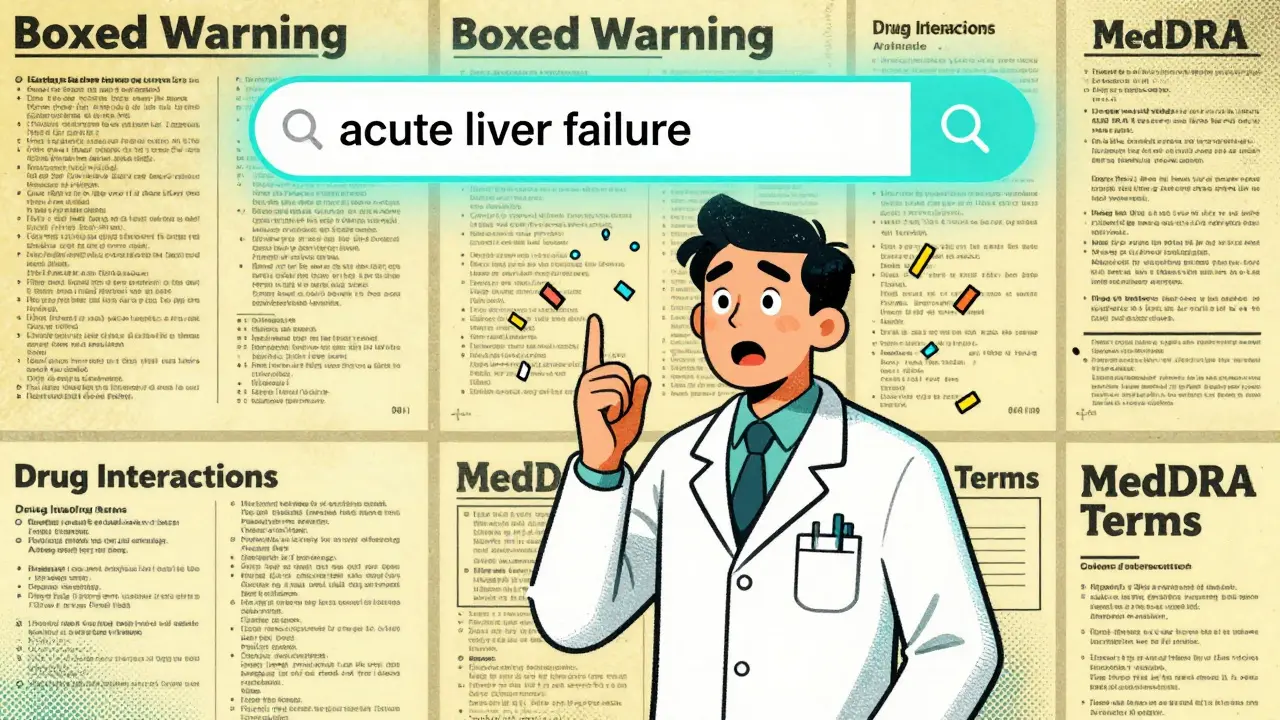
Drug Label Search Simulator
Search Results
Simulated search parameters
Drug Name: Fluoxetine (Prozac)
Boxed Warning: Increased risk of suicidal thinking and behavior in children and adolescents with depression. MedDRA Term: Hepatic failure.
NDA SSRIDrug Name: Sertraline (Zoloft)
Boxed Warning: May cause suicidal thoughts. MedDRA Term: Hepatic failure.
NDA SSRIDrug Name: Citalopram (Celexa)
Boxed Warning: Risk of QT prolongation. MedDRA Term: Hepatic failure.
NDA SSRIImagine you're a pharmacist trying to confirm whether a new drug interaction has been officially documented by the FDA. Or maybe you're a researcher tracking how often a specific side effect appears across 50 different medications. Or perhaps you're a generic drug developer looking at how competitors describe their active ingredients. In each case, you need one thing: accurate, detailed, and up-to-date drug labeling - not summaries, not marketing materials, but the exact text submitted to the FDA by manufacturers.
That’s where FDALabel comes in. It’s not another drug website. It’s not a blog. It’s the official, searchable archive of every FDA-approved drug label in the U.S. - over 149,000 documents - updated twice a month. And it’s free. No login. No subscription. Just direct access to the raw, structured text that regulators and manufacturers use to define what a drug can and cannot do.
What FDALabel Actually Is (And What It Isn’t)
FDALabel is a web-based database built and maintained by the FDA’s National Center for Toxicological Research. It doesn’t just list drugs. It lets you search inside the full text of drug labels - the same documents that come with every prescription bottle, OTC package, and injectable vial. These are called Structured Product Labeling (SPL) documents. They’re XML files submitted by drugmakers and approved by the FDA. Think of them as the legal and clinical blueprint for every approved medication.
What FDALabel is NOT: It’s not Drugs@FDA. That tool tells you when a drug was approved, who the sponsor is, and whether it’s branded or generic. It’s not DailyMed - while DailyMed also displays SPL documents, it doesn’t let you search across sections or filter by pharmacologic class. And it’s definitely not a commercial database like IQVIA or Citeline. FDALabel doesn’t show sales numbers, market share, or pricing. It shows exactly what the FDA says about the drug: its uses, risks, dosing, warnings, and ingredients.
The database includes human prescription drugs, over-the-counter (OTC) products, biologicals, and even animal drugs. All 149,000+ documents are pulled directly from the FDA’s SPL archive. That means if a label changes - say, a new black box warning is added - FDALabel updates within days. No lag. No guesswork.
How to Search Like a Pro: 5 Powerful Features
Most people start with a simple keyword search. That works. But FDALabel’s real power lies in its precision tools. Here’s how to use them:
- Full-text search - Type in any phrase: "severe liver injury," "risk of QT prolongation," "contraindicated in pregnancy." The system scans every word in every label. It’s like Google for drug labels.
- Section-specific search - This is where FDALabel beats everything else. You can search only within key sections: Boxed Warnings, Adverse Reactions, Drug Interactions, Use in Specific Populations, or Dosage and Administration. For example, if you want to find all drugs with a boxed warning for pancreatitis, you don’t have to read 200 labels. You just select "Boxed Warning" as the search field and type "pancreatitis." Result? 12 matching labels in under 3 seconds.
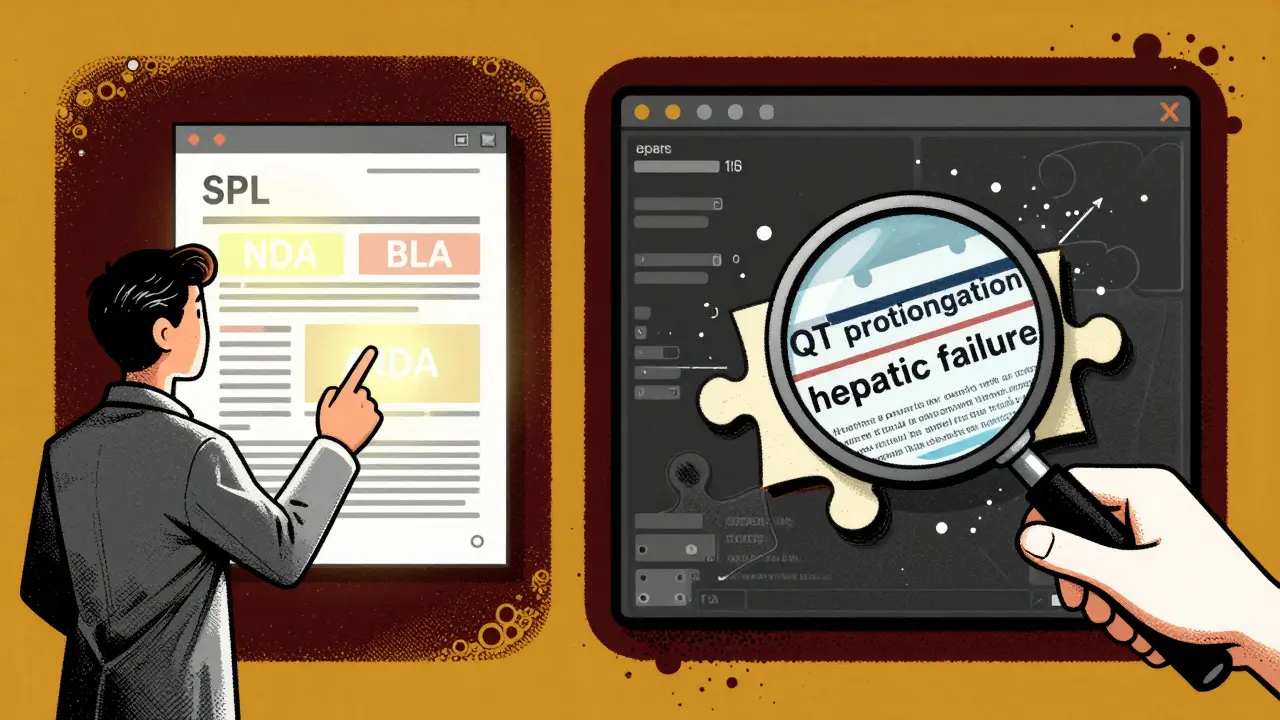
- Filter by application type - NDA (New Drug Application), BLA (Biologics License Application), ANDA (Abbreviated New Drug Application). This helps you distinguish between brand-name drugs and generics. Want to see only generics? Filter by ANDA.
- Search by pharmacologic class - Not every drug has the same name. But they often belong to the same class: SSRI, SGLT2 inhibitor, JAK inhibitor. FDALabel uses the FDA’s own Pharmacologic Class database to let you search by class. Type "SGLT2 inhibitor" and you’ll get every drug in that category, even if their brand names are totally different.
- Search with MedDRA terms - MedDRA is the international standard for coding adverse events. Instead of searching "heart attack," you can search the official MedDRA term "myocardial infarction." This catches all variations - "MI," "heart attack," "acute myocardial infarction" - because they’re all mapped to the same code. This is huge for researchers studying drug safety.
These filters work together. You can combine them: "Find all human prescription drugs (NDA) with a Boxed Warning for liver failure and use the MedDRA term 'hepatic failure'." The system returns exactly what you need - no noise.
Export, Save, and Share Your Searches
Once you find what you’re looking for, you don’t have to copy and paste manually. FDALabel lets you export results in two formats: CSV (comma-separated values) and Excel. The Excel export, added in Version 2.9 (July 2024), includes a second sheet with metadata: the exact query you ran, the link to each result, and the date and time you exported it. This is gold for audits, reports, or team collaboration.
Even better: every search has a permanent link. Click "Copy Query Link," and you get a URL like:
https://nctr-crs.fda.gov/fdalabel?query=human+rx+and+boxed+warning+and+acute+liver+failure
Share that link with a colleague. Bookmark it. Reuse it next week. Change one word. Run it again. No need to rebuild the search. This feature alone saves hours for regulatory teams doing ongoing monitoring.
Who Uses FDALabel - And Why
It’s not just regulators. Here’s who’s actively using it:
- Pharmaceutical companies - Use it to study how competitors label their drugs. Are they listing a specific interaction? Are they using different wording for a side effect? This helps with drug development and regulatory strategy.
- Researchers - A 2023 study published in PMC used FDALabel to build a tool called AskFDALabel, which combines the database with AI models to analyze adverse event patterns. They found that searching within specific sections improved accuracy by 40% compared to full-text searches alone.
- Healthcare providers - When a patient presents with a rare reaction, clinicians use FDALabel to check if it’s documented. Is this side effect real? Is it known? Is it common? FDALabel gives the definitive answer.
- Regulatory affairs teams - They rely on it daily to verify labeling claims, prepare submissions, and ensure compliance. If the FDA asks, "Where does your label say this?" - you better have the exact text from FDALabel to back it up.
- Patient advocates and journalists - Need to confirm if a drug carries a risk of kidney damage? FDALabel gives you the source. No speculation. Just facts.
Limitations and What to Expect
FDALabel is powerful, but it’s not magic. Here’s what you won’t find:
- No pricing - You can’t see how much a drug costs. That’s not its purpose.
- No market data - No sales figures, no market share, no prescription volume.
- No clinical guidance - It doesn’t tell you how to treat a reaction. It tells you what the label says about the risk.
- Learning curve - If you’ve never seen a SPL document before, the jargon (NDA, BLA, MedDRA) can be confusing. But the Quick Start Manual (available on FDA.gov) breaks it down step by step.
Also, FDALabel doesn’t include drugs that are still under review. Only approved products. And it doesn’t cover off-label uses - only what’s written in the official label.
How to Get Started
You don’t need to download anything. Go to nctr-crs.fda.gov/fdalabel (or www.fda.gov/fdalabeltool). The interface is clean: a search bar on top, filters on the left, results below.
Start simple. Type in the name of a drug you know. Click "Search." Look at the label. See how the sections are organized. Then try a section-specific search. Try a pharmacologic class. Try a MedDRA term. The more you use it, the more intuitive it becomes.
Sign up for the FDALabel mailing list (linked on the site). The FDA sends updates about new features, maintenance, and version changes. Version 2.9, released in July 2024, was built on direct user feedback - so your input matters.
What’s Next for FDALabel
The FDA is already experimenting with AI. The AskFDALabel project - which uses large language models to interpret search results - is just the beginning. Future updates may include natural language queries (like asking, "Which drugs cause dizziness in elderly patients?") and better visualization tools to show how side effects cluster across drug classes.
The database keeps growing. From 100,000 documents in 2018 to 149,000+ in 2024. That’s nearly 50% growth in six years. More drugs. More labels. More data. And the tools to search it are getting smarter.
FDALabel isn’t flashy. It doesn’t have ads. It doesn’t sell data. It just gives you the truth - exactly as the FDA received it. And in a world full of misinformation, that’s priceless.
Is FDALabel free to use?
Yes, FDALabel is completely free. No registration, no login, no subscription. It’s a public resource maintained by the U.S. Food and Drug Administration. You can access it anytime at nctr-crs.fda.gov/fdalabel or www.fda.gov/fdalabeltool.
How often is FDALabel updated?
The database is updated twice a month, usually on the first and third Wednesday. This ensures that new drug labels, label changes, and updated warnings are added within days of FDA approval. The system pulls data directly from the FDA’s SPL archive, so there’s no delay in official content.
Can I search for generic drugs in FDALabel?
Yes. You can filter searches by application type to find only generic drugs, which are submitted under Abbreviated New Drug Applications (ANDAs). You can also search by active ingredient - since generics contain the same active drug as their brand-name counterparts, they’ll appear in the results. The label text for generics must match the brand in terms of safety and dosing, so FDALabel is essential for comparing them.
What’s the difference between FDALabel and Drugs@FDA?
Drugs@FDA shows approval history - when a drug was approved, its sponsor, and its regulatory status. FDALabel shows the actual text of the drug label - the warnings, dosing instructions, interactions, and side effects. Think of Drugs@FDA as the approval record and FDALabel as the instruction manual. They’re complementary: use Drugs@FDA to find a drug, then use FDALabel to read its full label.
Do I need special training to use FDALabel?
You don’t need formal training, but familiarity with FDA terminology helps. Terms like NDA, BLA, MedDRA, and SPL may be unfamiliar at first. The FDA provides a Quick Start Manual (Version 2.3 and later) that walks users through common searches. Start with simple keyword searches, then explore section-specific filters. Most users become comfortable within a few sessions.
Can I use FDALabel to find drug interactions?
Yes. Use the "Drug Interactions" section filter and search for terms like "warfarin," "SSRI," or "CYP3A4 inhibitor." FDALabel will return every label that mentions a documented interaction with that substance. This is more reliable than third-party interaction checkers because it’s based on the official FDA-approved label text.
Why does FDALabel use MedDRA terms?
MedDRA (Medical Dictionary for Regulatory Activities) is the global standard for coding adverse events. Instead of searching "chest pain," you can search the MedDRA term "chest discomfort," which includes all related terms. This ensures you capture all variations of the same event across different labels. It’s essential for accurate safety research and pharmacovigilance.
Is FDALabel used outside the U.S.?
Yes. Researchers, regulators, and pharmaceutical companies worldwide use FDALabel because U.S. drug labeling is considered a global benchmark. Many countries reference FDA-approved labels when evaluating new drugs. The database’s transparency and depth make it a trusted source for international regulatory agencies and academic institutions.
Next Steps
If you’re a healthcare worker, researcher, or industry professional - start using FDALabel today. Bookmark the site. Try one section-specific search. Export a result. Share the link. You’re not just finding information. You’re accessing the official record of what the FDA knows about every approved drug in America.
And if you’re a student or curious patient? Try searching for a drug you take. Read its label. See what the FDA says about risks, dosing, and interactions. You might be surprised what you find.
Mantooth Lehto
March 9, 2026 AT 18:22Nicholas Gama
March 9, 2026 AT 18:58Mary Beth Brook
March 10, 2026 AT 18:16Neeti Rustagi
March 12, 2026 AT 15:22rafeq khlo
March 14, 2026 AT 03:15Morgan Dodgen
March 14, 2026 AT 03:15Jazminn Jones
March 15, 2026 AT 11:49Stephen Rudd
March 16, 2026 AT 15:22Erica Santos
March 17, 2026 AT 05:03George Vou
March 18, 2026 AT 07:53Scott Easterling
March 19, 2026 AT 19:00